Arduino C++ editor
Hints, go to definition, line-by-line lesson code walkthroughs and version history.
A learning environment for autonomous robotics: an Arduino C++ editor, a simulator, live sensor readings and the course. Free.
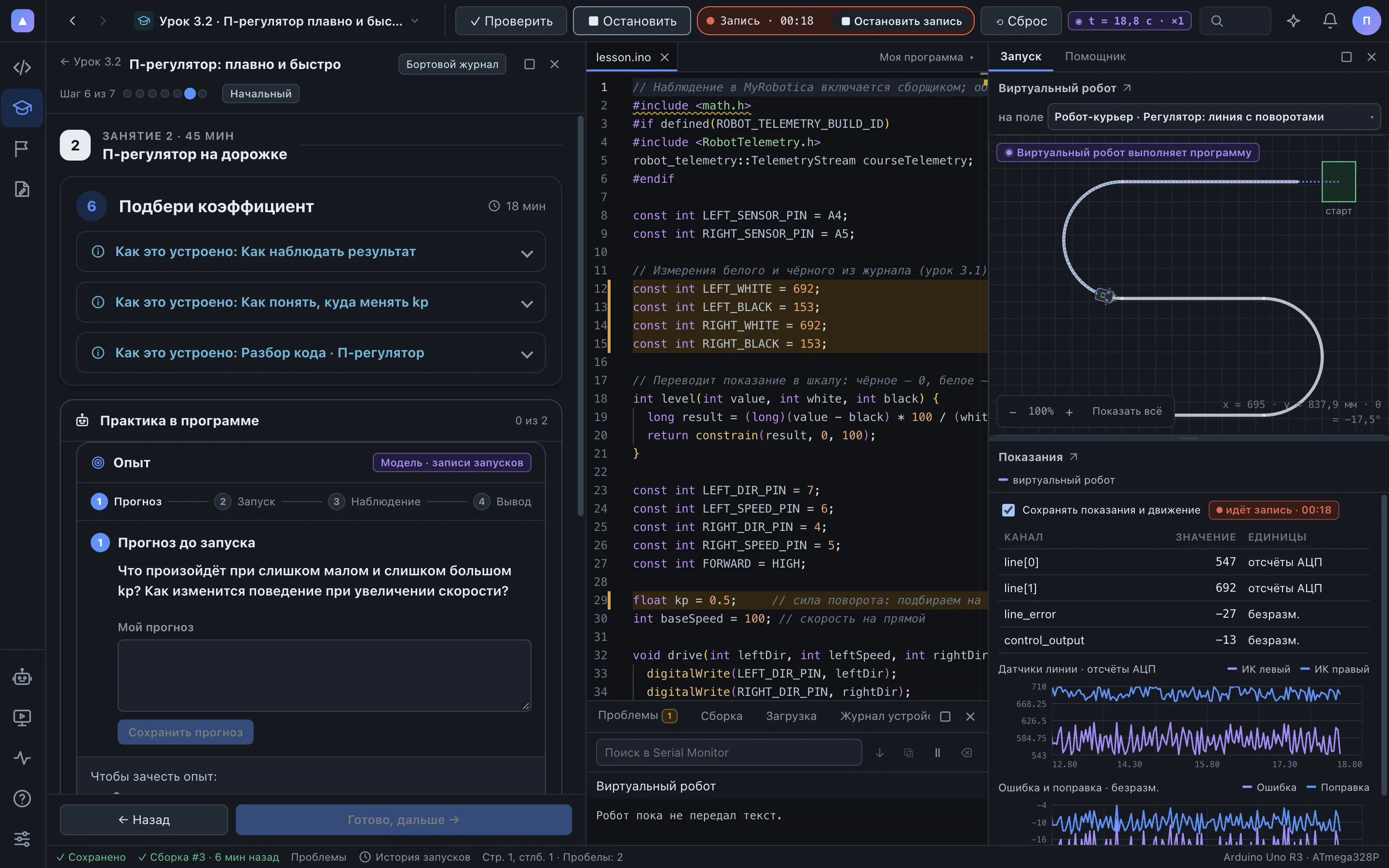
You think about the algorithm. The app takes care of the rest.
Hints, go to definition, line-by-line lesson code walkthroughs and version history.
Libraries and tools install themselves with visible progress, or from a local archive.
Runs your real firmware on a model of the field. Fields of any complexity are built in the field editor.
Sensors, error, controller output and mission state on charts. Every run is saved.
P, PI, PD and PID on the same track: compare runs and choose the best coefficient.
Lessons, builds, the simulator and recordings work locally. The school server runs on the local network.
The same program drives on screen and on the real robot. The readings look the same, so mistakes are easy to find before the real run.
Both sensors see white on either side of the line. The error is near zero and the wheels turn at the same speed.
The line slides under one sensor. Its reading drops and the error grows.
The P-controller multiplies the error by kp. One wheel speeds up, the other slows down, and the robot returns to the line.
For Windows, macOS and Linux. The web version runs in the browser through the school server.
The app is in an early version: new capabilities arrive with every release.
| Feature | Computer | Browser |
|---|---|---|
| Lessons and code | Yes | Yes |
| Simulator | Yes | Yes |
| Robot via USB | Yes | Yes, in Chrome and Edge |
| Offline | Yes | Through the school server on the local network |
The app guides every step, from assembling the chassis to the first independent drive.